Vehicle Shipping Help Center
Get help choosing a service, preparing your vehicle or reaching the right person during a shipment.
Contact the team with the details it needs
Use the private contact route shown on your confirmation if you have an existing shipment reference. For a new request, start with the service, the general pickup and delivery areas and your desired window.
Find the next step for your shipment
If you have an active shipment, use your existing confirmation and contact instructions. For a new shipment, the route, vehicle and timing help us guide you to the right option.
Get a quote or compare options
Gather pickup, delivery, dimensions and condition details. If the vehicle or route needs special handling, use the contact page to ask for review.
Prepare for pickup
Review access, keys and vehicle preparation before the carrier arrives. Communicate any change to your location, availability or operating condition promptly.
Resolve a delivery issue
Keep the pickup and delivery condition records. Follow the shipping instructions for reporting delays, access problems or condition concerns.
Related services and resources
Frequently asked questions
Where do I report a change to my booking?
Use the contact instructions on your confirmation and report the new details before pickup.
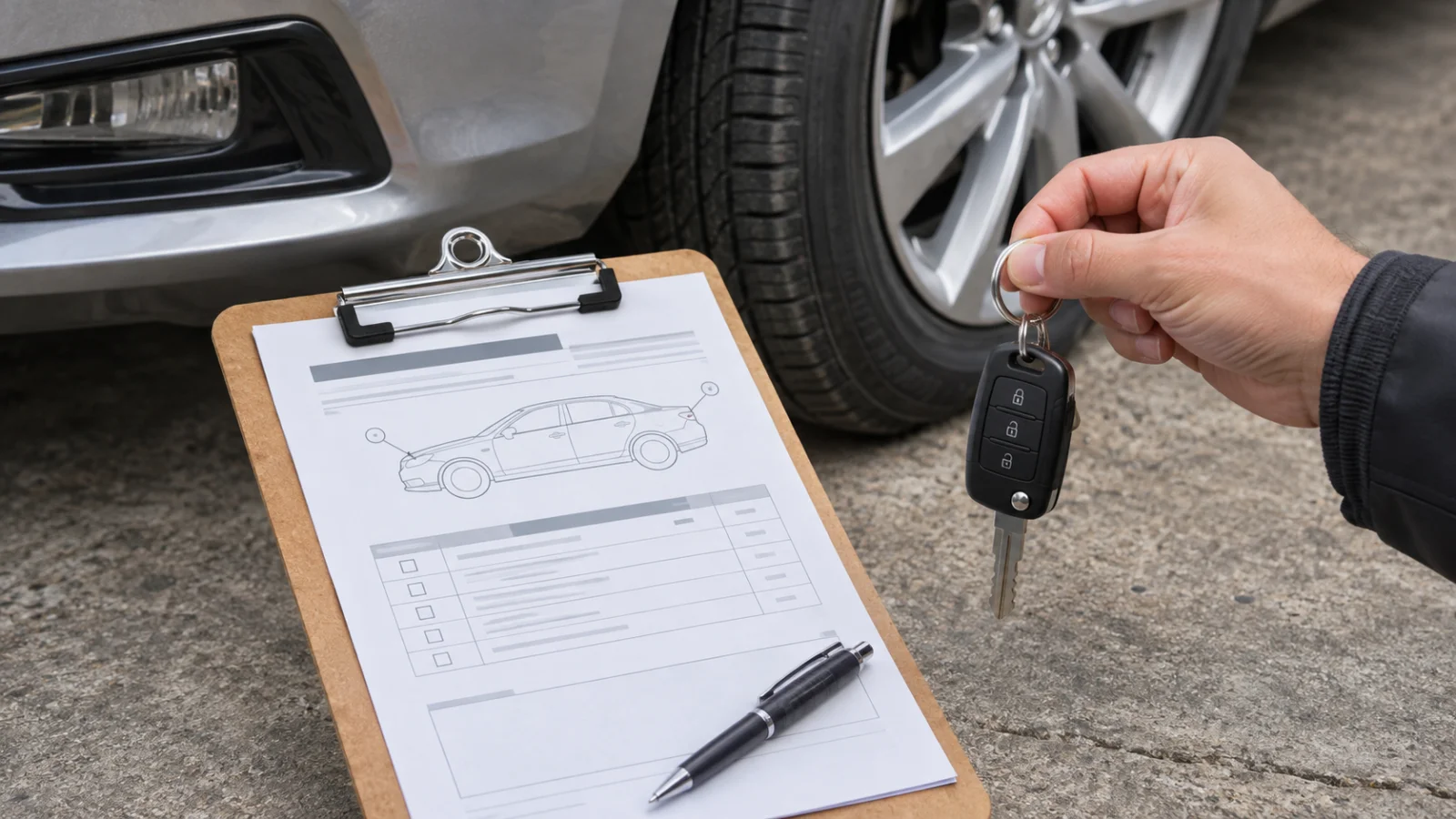
I have a question about my inspection. What should I have ready?
Have the condition records and pickup or delivery documentation handy. Use your private shipment channel for any personal information.
Does a quote reserve equipment?
Ask the transport team when equipment and the schedule are confirmed and what changes need to be disclosed.
Tell us about your shipment
Share the pickup and delivery locations, vehicle and timing so we can review the options with you.